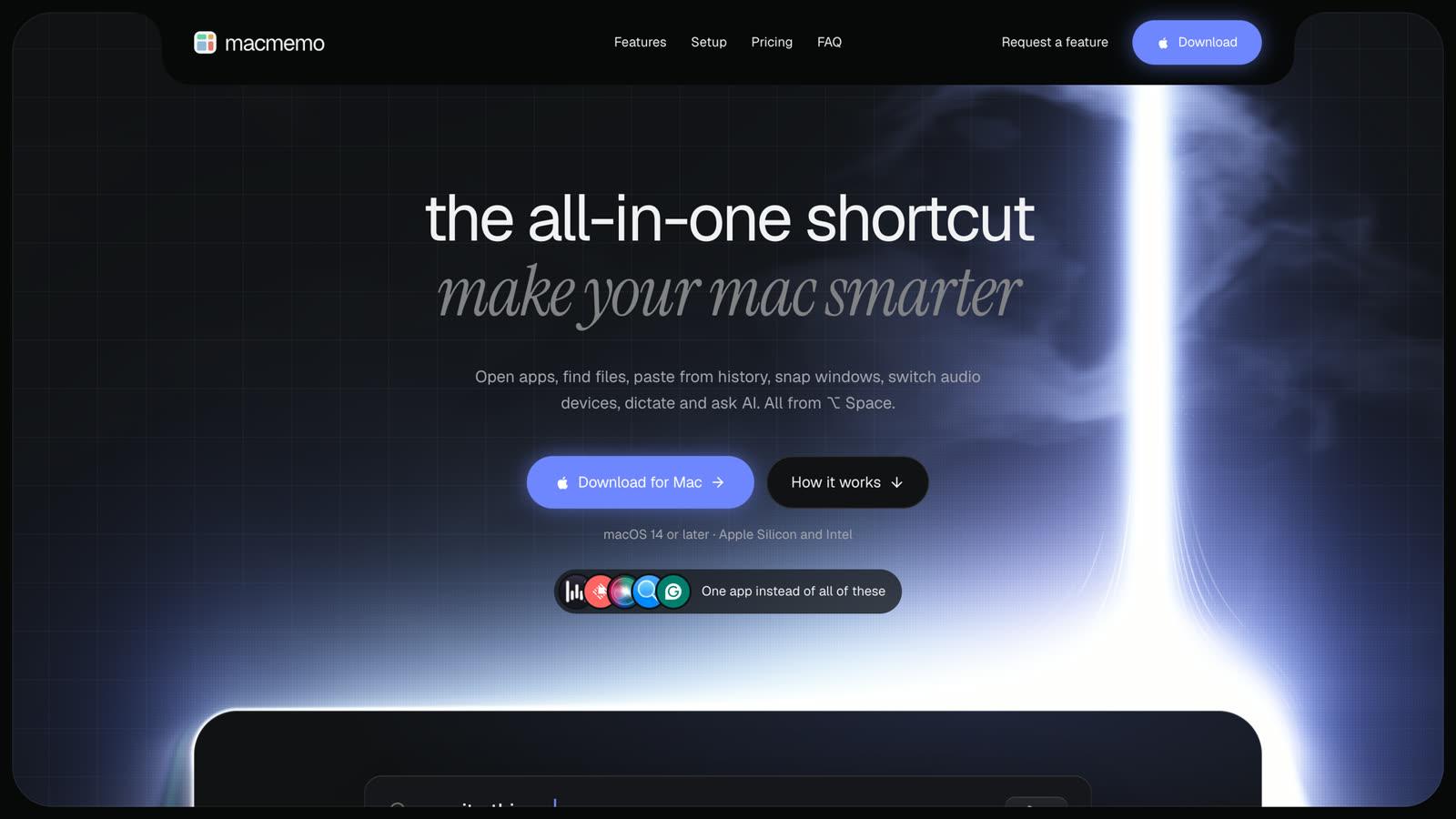
MacMemo puts the jobs of seven Mac utilities behind one shortcut. It just launched and the lifetime deal is live now on AppSumo.
- Search apps, files, and the web with ⌥ Space
- Dictate into any app by holding fn, fully on-device
- Fix grammar or translate selected text with your own AI key
- Snap windows, search clipboard history, and more
What the deal includes
The AppSumo deal unlocks the same MacMemo as a direct purchase: the launcher, plain-English file search, unlimited clipboard history, snippets, window snapping, audio, Bluetooth and Wi-Fi switching, on-device dictation and AI commands on your own key. The full list is on the pricing page.
How to redeem your AppSumo code
- Buy the deal on AppSumo and open your AppSumo account's products page.
- Click Activate next to MacMemo. You land on macmemo.com with your license key.
- Download MacMemo from macmemo.com, open it and paste the key when it asks.
MacMemo needs macOS 14 or later and runs on Apple Silicon and Intel Macs. If a key doesn't work, write to support and we'll sort it out.